MLX Studio is a macOS desktop app. It downloads models from the mlx-community catalog on Hugging Face and runs them with mlx-lm for text and mlx-vlm for vision. It serves every installed model on an OpenAI-compatible API on 127.0.0.1. We built it as the model runtime for another system we are developing. Any component that uses the OpenAI protocol connects to it by changing the base URL, without adapter code.
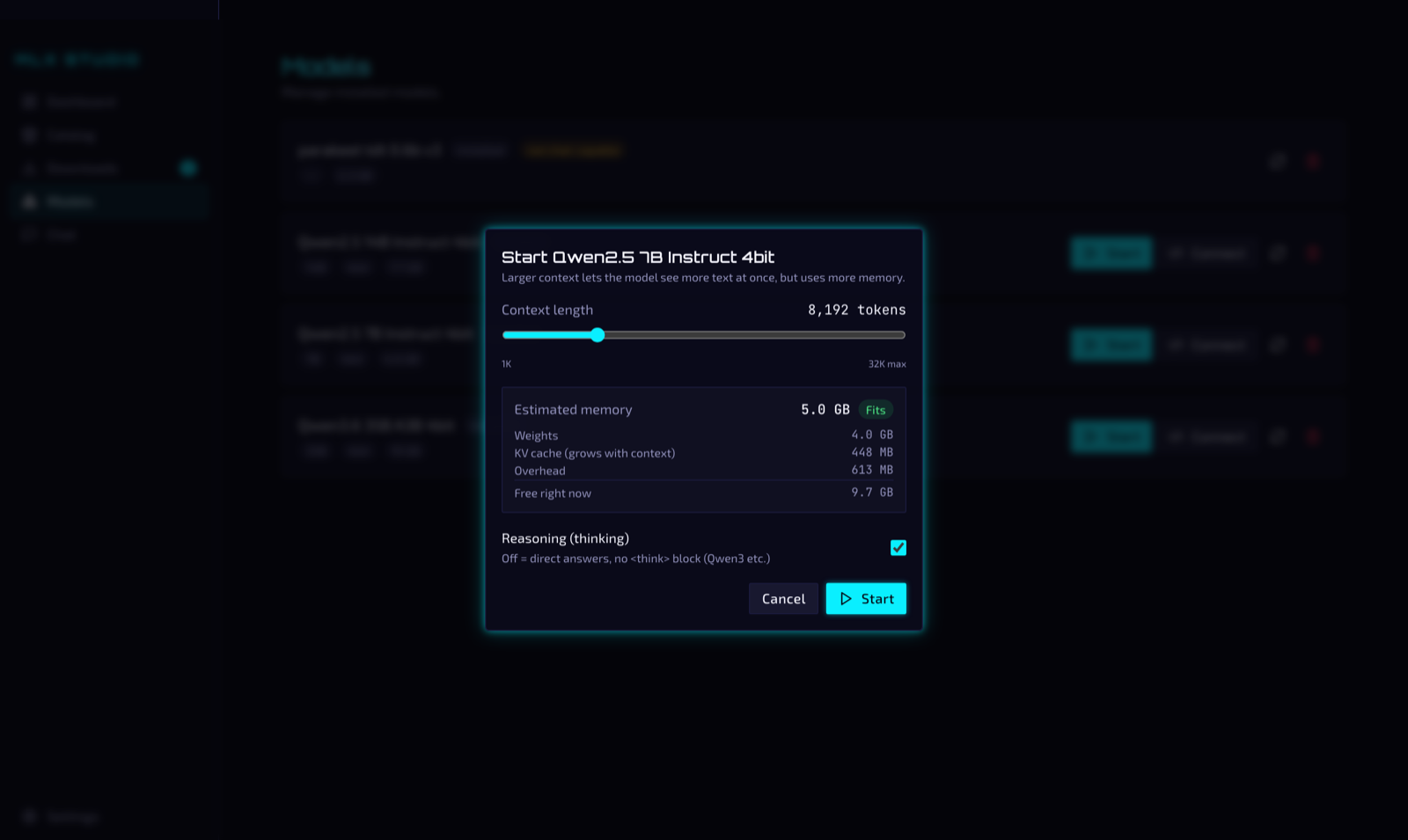
The app runs only on Apple Silicon, so we chose MLX over llama.cpp or Ollama. MLX is the array framework from Apple, built on Metal and unified memory. The weights load once into the memory that the GPU uses, and nothing is copied between CPU memory and GPU memory. On the 48 GB MacBook of the screenshots below, the 4-bit build of Qwen2.5 7B uses 4.0 GB for the weights and answers at 35 tok/s.
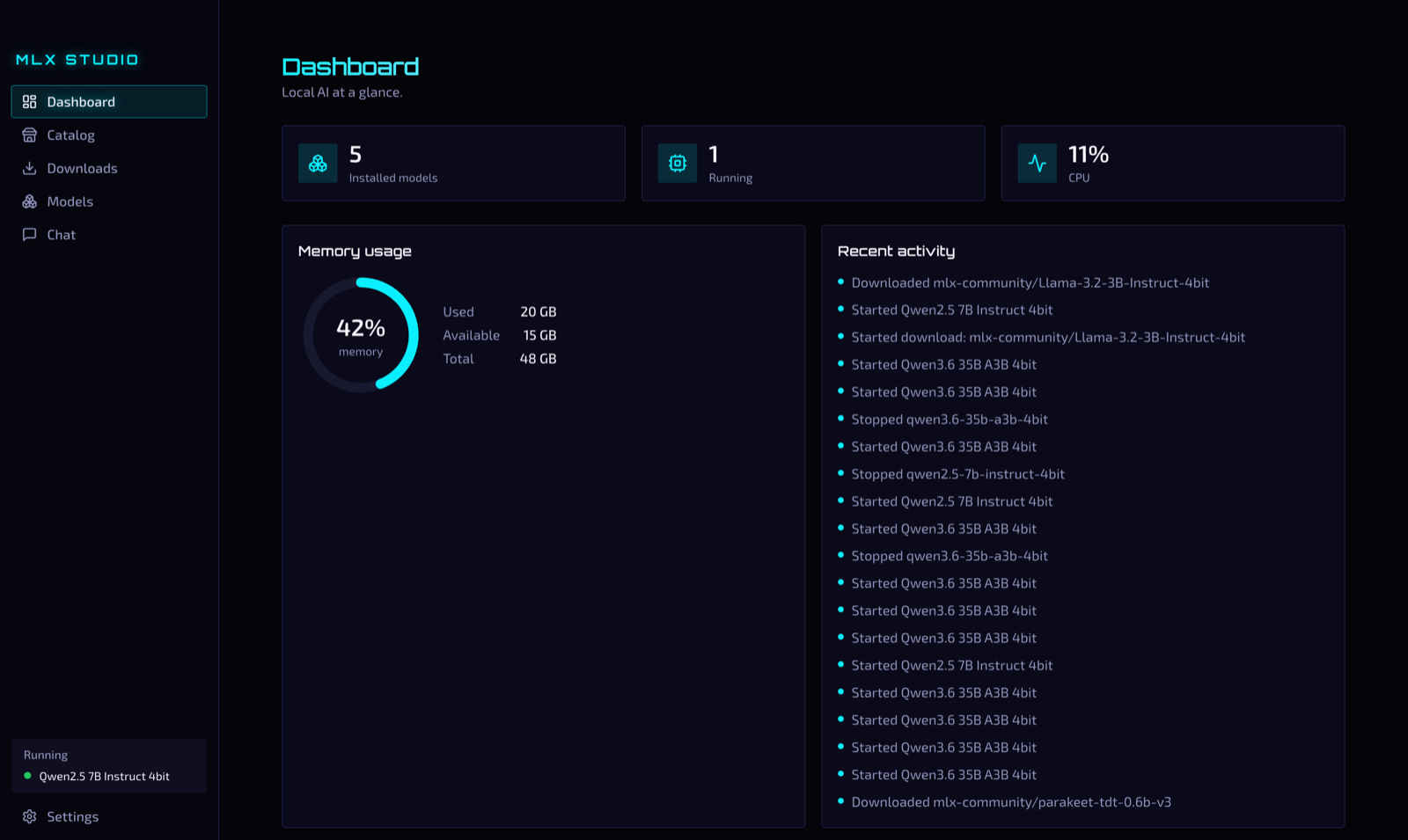
The dashboard shows the installed and running models, the unified memory in use and the activity log.
From the catalog to the first reply
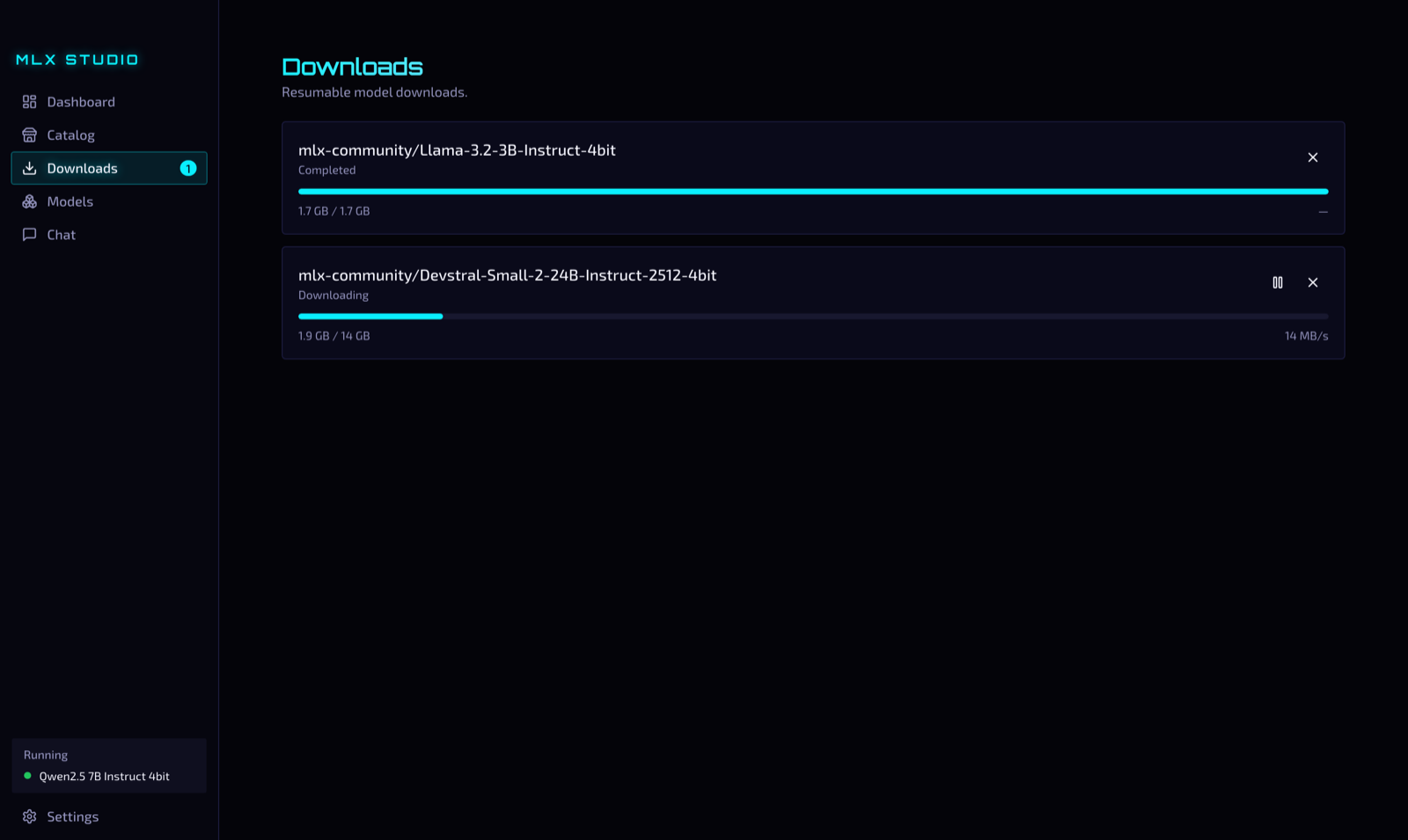
The workflow uses four screens.
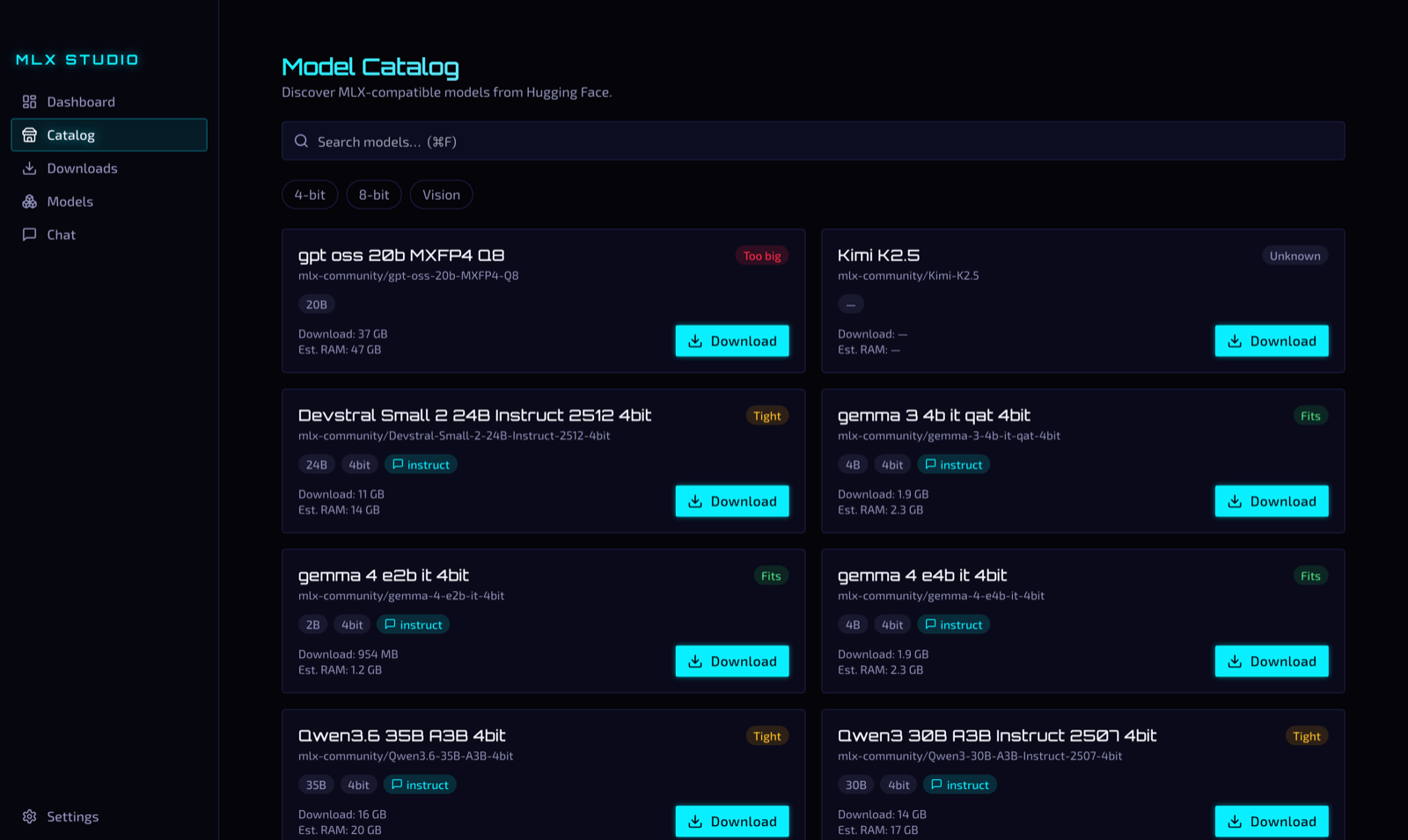
mlx-community and filter by quantization or vision support. Each card shows the download size, the estimated RAM and a badge: Fits, Tight or Too big. The badge compares the estimate with the memory that is free on the Mac now, so you see that a model is too big before you download it.
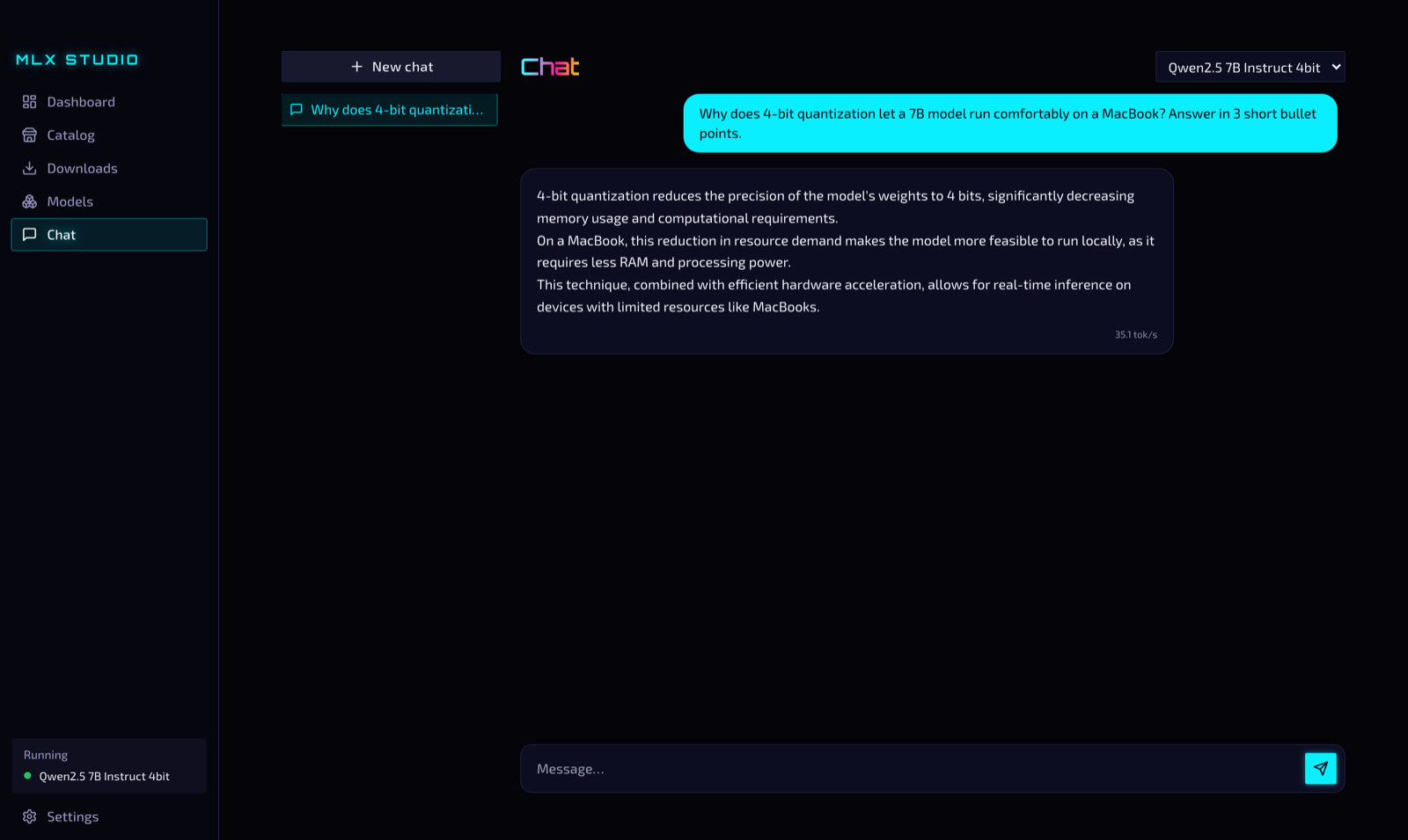
The OpenAI-compatible API
The app serves every installed model on http://127.0.0.1:11535/v1 with the OpenAI protocol. The chat tab is one client of this API. If a request names a model that is installed but not running, the app loads it, so the client does not need to check the state first. When a model starts, the app opens a Connect dialog with the base URL, the API key and code snippets for the Python OpenAI SDK, LangChain, Java with LangChain4j (builder or Spring Boot starter properties), Rust with Rig and curl.
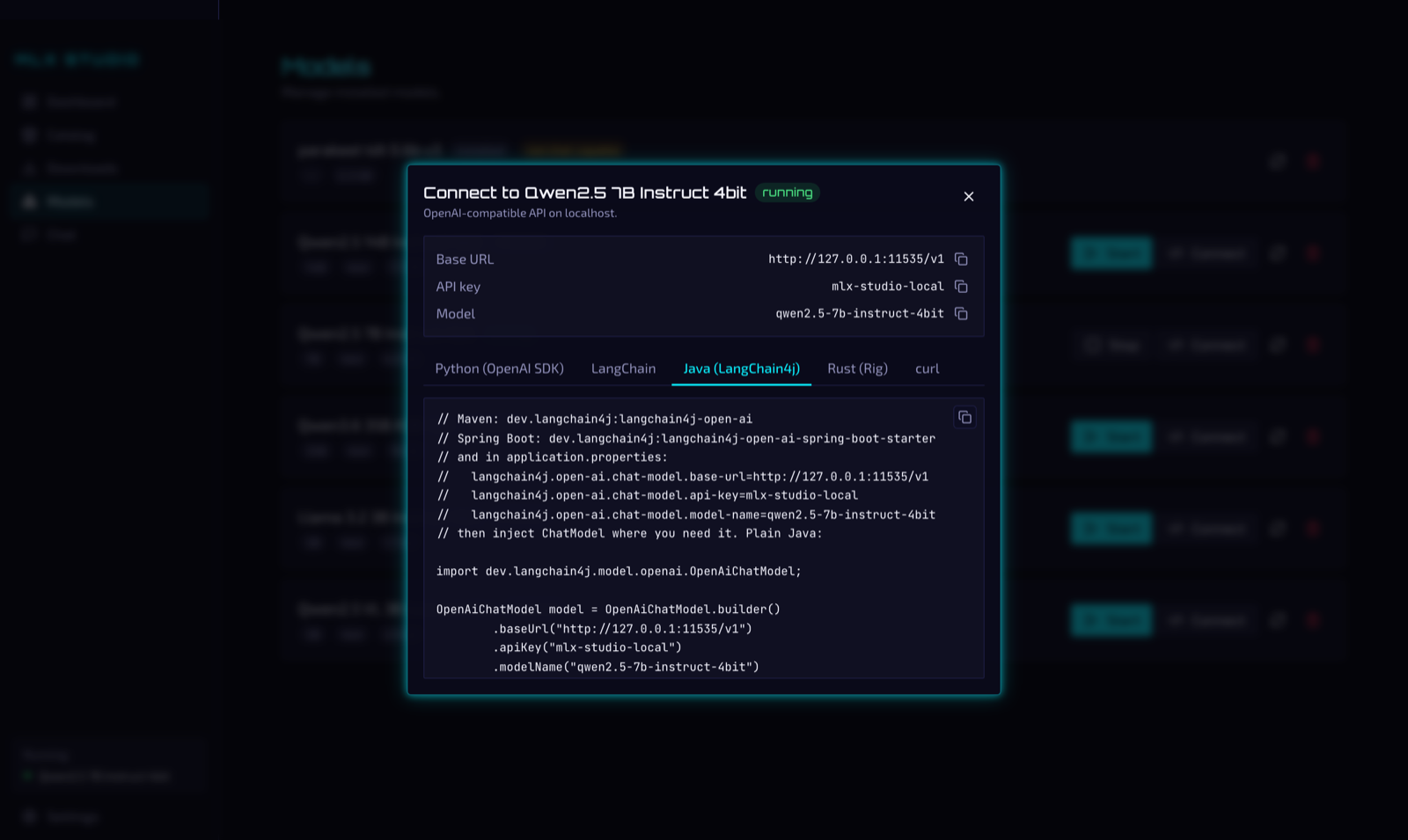
The Connect dialog opens when a model starts. It has snippets for Python, LangChain, Java (LangChain4j), Rust (Rig) and curl.
from openai import OpenAI

client = OpenAI(base_url="http://127.0.0.1:11535/v1", api_key="<MLX Studio API key>")
resp = client.chat.completions.create(
    model="qwen2.5-7b-instruct-4bit",
    messages=[{"role": "user", "content": "Hello!"}],
    stream=True,
)
The same endpoint works with Continue, Cursor and any tool where you can set the OpenAI base URL. Our own system uses it in the same way. The app handles downloads, memory and the model processes. The clients see a standard OpenAI server that works offline.
Vision models
Models with a vision encoder, such as Qwen-VL, LLaVA and the Gemma vision models, run on mlx-vlm instead of mlx-lm. The app reads the config.json of each model to choose. When the running model supports images, the chat input has an attach button and accepts pasted images. The /v1 endpoint accepts the standard OpenAI image_url content parts, as base64 data URLs or http URLs. On the same MacBook, Qwen2.5-VL 3B (4-bit, 2 GB) described a test photo correctly at 81 tok/s.
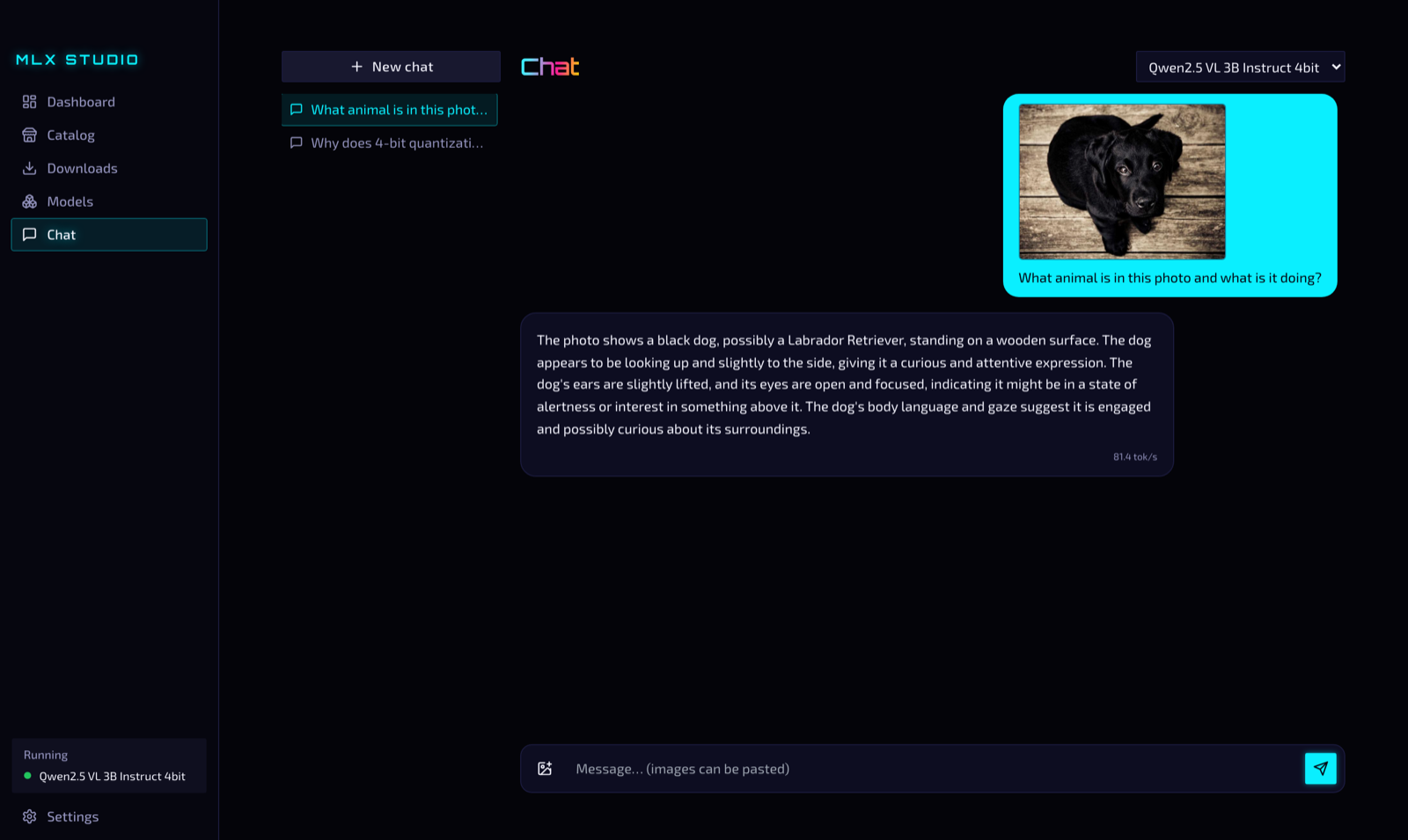
Qwen2.5-VL 3B describes an attached photo at 81 tok/s.
mlx-vlm 0.6.4 has a bug: in one process, every generation after the first one stops after one token. The first request works, so unit tests and single CLI calls pass. We found the bug only when we sent three requests in a row to the running server. MLX Studio pins mlx-vlm>=0.6.3,<0.6.4. The pin stays until a newer release passes the same test with several requests.
Architecture
| Layer | Tech |
|---|---|
| Desktop shell | Tauri 2 (Rust) |
| Frontend | Vue 3 + TypeScript + Vite |
| Backend sidecar | Python, FastAPI, bundled with PyInstaller |
| Inference engine | mlx-lm (text), mlx-vlm (vision) |
| Storage | SQLite |
At launch, the Rust core starts the Python sidecar and gives it a new bearer token. Other processes on the Mac cannot call the local API without that token. When the app quits, the core stops the sidecar and frees the port. The sidecar also watches the process ID of the app and exits if the app dies without cleanup. After a force quit, no process stays in memory with 4 GB of weights.
Status
The code is on GitHub under the MIT license, at version 0.4.0. CI builds an Apple Silicon DMG on every push. MLX needs Metal and unified memory, so there is no Intel build. The DMG needs nothing else. The Python sidecar is inside the bundle as a PyInstaller binary, and the shell uses the WebView of macOS. On a Mac with an M-series chip the app runs without Python, Homebrew or any other install. The next planned changes are versioned releases for the in-app updater, and a shared memory budget so that two models can run at the same time.